
 Wenzhou Lita Electric Co., Ltd.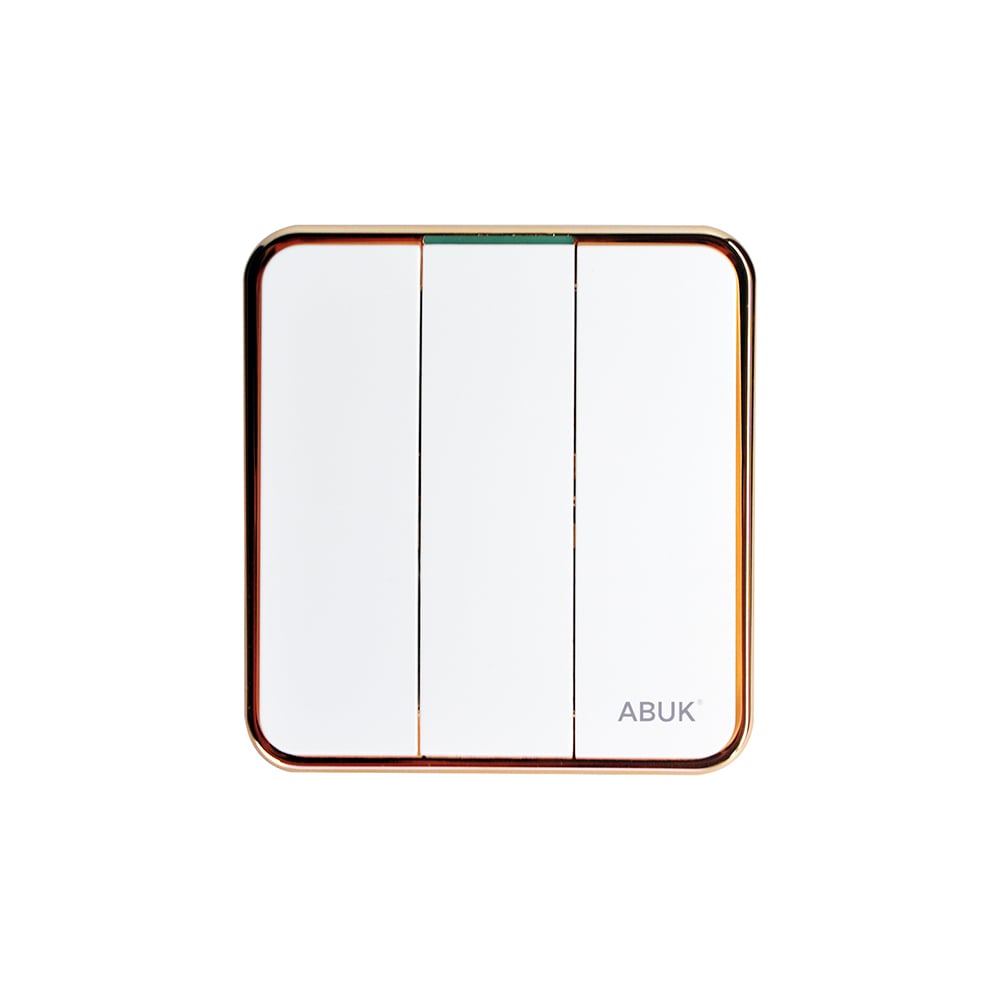


Smart Switches and Outlets for Home: Features, Wiring and Setup
When a renovation contractor in Manchester encountered repeated dropouts after commissioning 48 connected wall points, he replaced the Wi-Fi router and watched the failures return before lunch. The visible problem was unreliable control; the reversal came when the schedule showed mixed neutral availability, an over-subscribed 2.4 GHz network, and outlet loads that had never been specified. Selection and setup—not a single “bad” device—were the root cause.
Summary: Smart switches and outlets should be specified as a coordinated line-voltage and control system, not purchased as isolated gadgets. Confirm conductor availability, radio ecosystem, and the connected load before installation; for example, IEC 60669-2-1 addresses particular requirements for electronic switches, while local wiring rules such as NFPA 70 govern the installation. For projects with mixed wiring conditions, make a room-by-room schedule and have a qualified electrician validate the final circuit plan.
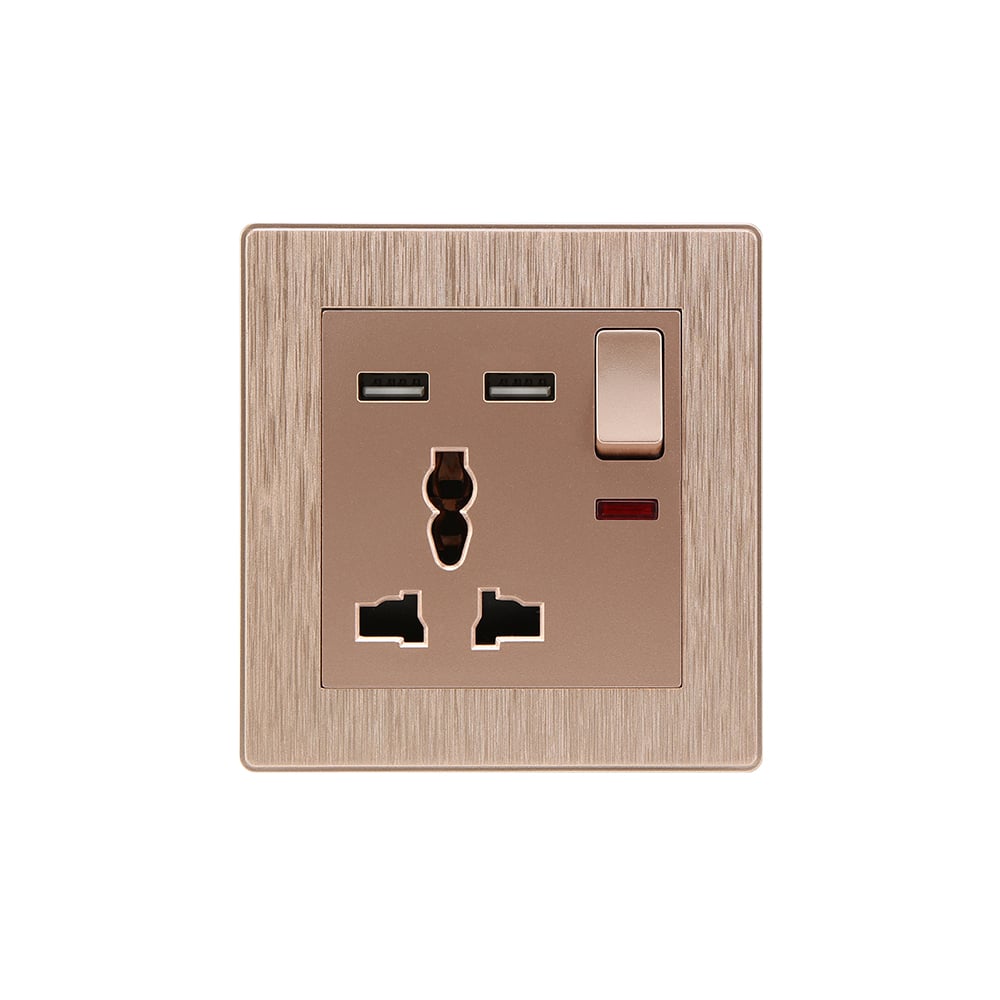
What smart switches and outlets add to a home project
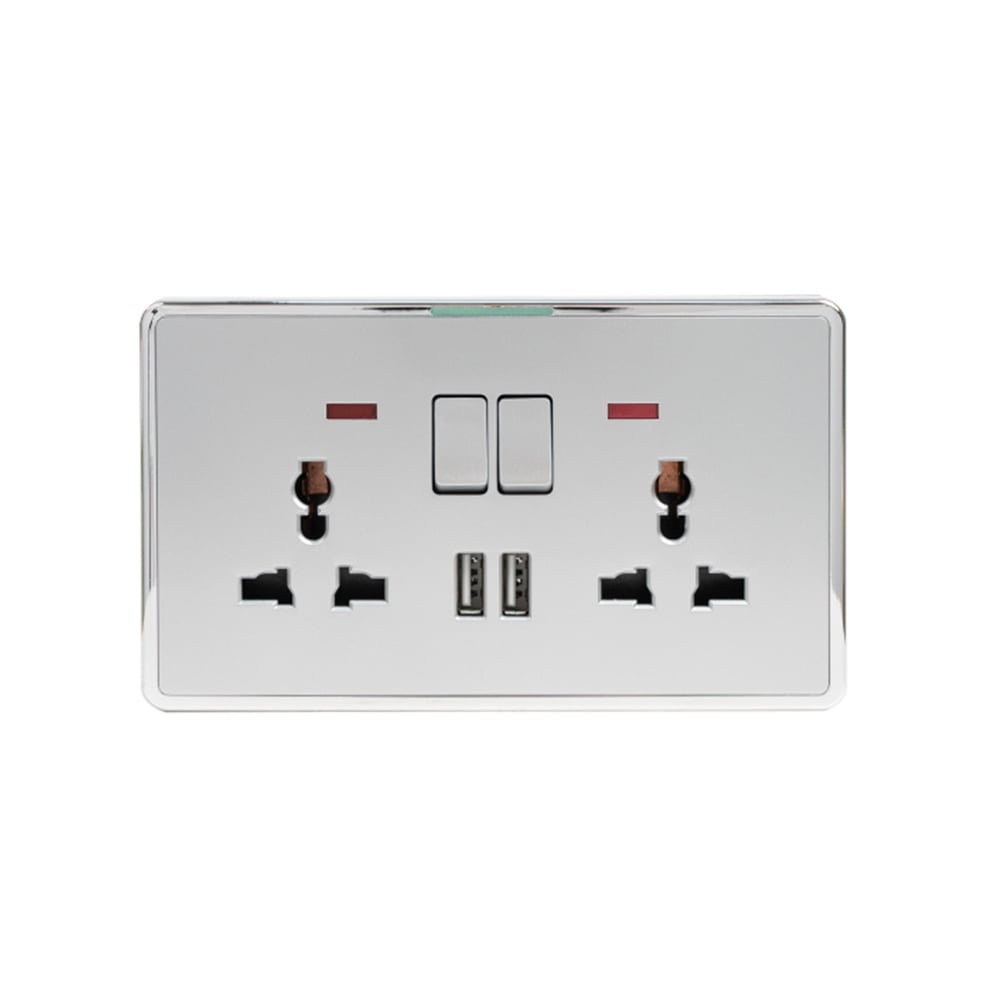
Smart home switches and outlets combine a manually usable wall control or receptacle with a radio interface, app logic, schedules and, where supported, voice-assistant integration. A smart switch normally controls a fixed lighting circuit; a smart outlet controls a plug-in load. Treat these as different duty cycles: a lighting control may see many switching events, whereas a receptacle must safely carry the actual load of the connected appliance. For specifiers, smart outlets and switches should share a documented commissioning path even when they serve different loads.
Matter is an application-layer interoperability standard developed through the Connectivity Standards Alliance (CSA); it can operate over IP transports such as Wi-Fi or Thread, but it does not eliminate the need to verify each controller, device type and firmware version. Wi-Fi devices commonly use IEEE 802.11 2.4 GHz networks, while Zigbee devices generally require a compatible coordinator or hub. Procurement teams should record the selected ecosystem and commissioning owner, because a device that joins a network is not automatically useful in every automation platform.
Wiring and load limits: specify before installing
Line-voltage wiring and low-voltage control are not interchangeable. A wall switch may need line, load, neutral and protective-earth conductors in its back box; a low-voltage scene keypad or wireless button can have a different power method and must not be substituted into a line-voltage circuit. Circuit identification, conductor sizing, enclosure space and protective devices are installation questions for a qualified electrician under the applicable code.
Many electronic smart switches use a neutral conductor to power their electronics. No-neutral designs exist, but their published minimum-load and compatible-lamp requirements matter, especially with low-wattage LED drivers. For smart outlets and switches, compare the manufacturer’s rated voltage, current, resistive load, motor load and permitted ambient conditions with the connected equipment; a 10 A or 16 A marking is not a blanket approval for every heater, pump, extension lead or appliance duty. A schedule for smart home switches and outlets should identify these limits point by point. Do not use an outlet automation feature to bypass a fixed appliance’s isolation or safety requirements.
A practical commissioning sequence
- Survey each circuit: supply type, neutral presence, box depth, lamp or appliance load, and local isolation requirements.
- Choose Wi-Fi, Zigbee or Matter-capable products only after confirming the controller, coverage and handover process.
- Have the electrician install, test and label the line-voltage work in accordance with the governing electrical code; then pair and update devices using the manufacturer’s instructions.
- Test manual operation, app control, automation recovery and the actual connected load before project sign-off.
Compare control approaches by total project value
| Approach | Best fit | Compatibility | Maintenance and TCO |
|---|---|---|---|
| Wi-Fi smart switch/outlet | Smaller retrofit or direct app control | Depends on 2.4 GHz coverage and platform support | Lower hub count, but network capacity and credential handover need management |
| Zigbee switch/outlet | Multi-room projects with a planned hub | Requires a compatible coordinator and device ecosystem | Hub and commissioning add cost; a managed mesh can reduce dead-zone troubleshooting |
| Matter-capable device | Projects prioritising multi-platform interoperability | Verify the specific Matter device type, controller and transport | Can reduce ecosystem lock-in; updates and feature parity still require review |
| Conventional mechanical control | Simple circuits or no connectivity requirement | No app or voice control | Lowest digital support burden; no remote automation benefit |
Illustrative TCO logic: a low-cost device can become the higher-cost choice if an installer makes a second visit to resolve missing neutrals, weak coverage or incompatible LED behaviour. Include survey time, hub or network equipment, electrician labour, documentation and expected support calls alongside unit cost. This is especially useful when smart outlets and switches are procured in one package but installed across several circuits.
Match the device to the application, not just the room name
| Application | Key selection check | Acceptance test |
|---|---|---|
| Living-room lighting | Neutral availability; LED driver and dimming compatibility | Manual switching, dimming range where applicable, and automation response |
| Kitchen receptacle | Actual appliance current and local wet-area rules | Rated load operation and required protective-device test by the installer |
| Rental or hospitality room | User reset process and account handover | Local override, recovery after network loss, and documented recommissioning |
| Outdoor or utility area | Ingress protection, temperature range and enclosure suitability | Installation inspection against the product instructions and local rules |
Standards and compliance: align claims with the destination market
- IEC 60669-2-1 covers particular requirements for electronic switches; IEC 60669-2-5 addresses particular requirements for electronic switches and related home/building electronic systems in its scope. Confirm the exact applicable edition and product category with the supplier.
- NFPA 70 (National Electrical Code) is an installation code used in the United States; it is not a universal product certification and local adoption or amendments control.
- IEEE 802.11 provides the wireless-LAN technical context for Wi-Fi; it is not evidence that a particular smart device works with every router or app.
- Matter/CSA specifications define interoperability requirements and certification programmes; do not market a product as Matter-certified unless its certification status is verified.
Unsupported conformity claims can delay customs clearance, project approval or channel onboarding. Ask for model-specific test reports and declarations appropriate to the destination market, intended installation and advertised functions.
How buyers can build a specification that installers can use
- Classify every point as lighting control, plug-in outlet, low-voltage control or another defined application.
- Create a load schedule with voltage, current, LED-driver details and any motor or heating duty.
- State the chosen connectivity path—Wi-Fi, Zigbee or Matter—and the approved controller at tender stage.
- Require a neutral and back-box survey before placing a retrofit order, then retain the commissioning record.
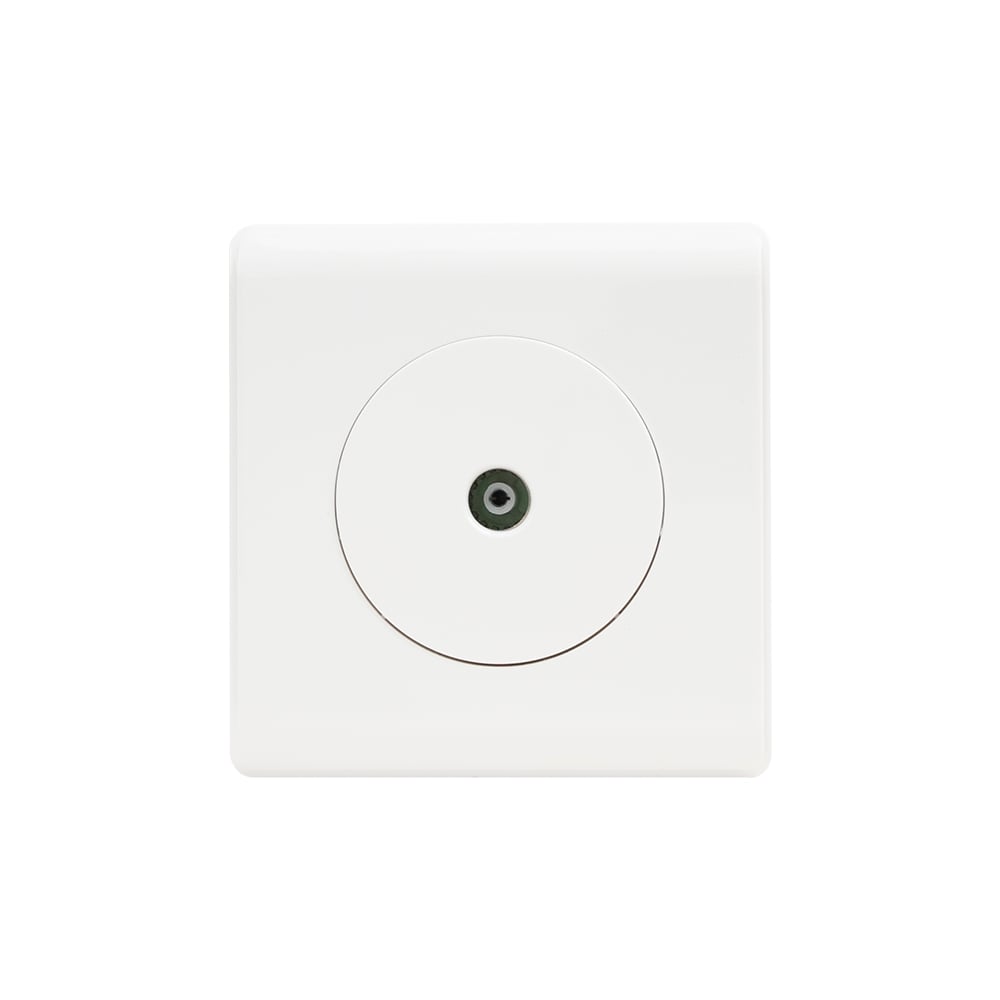
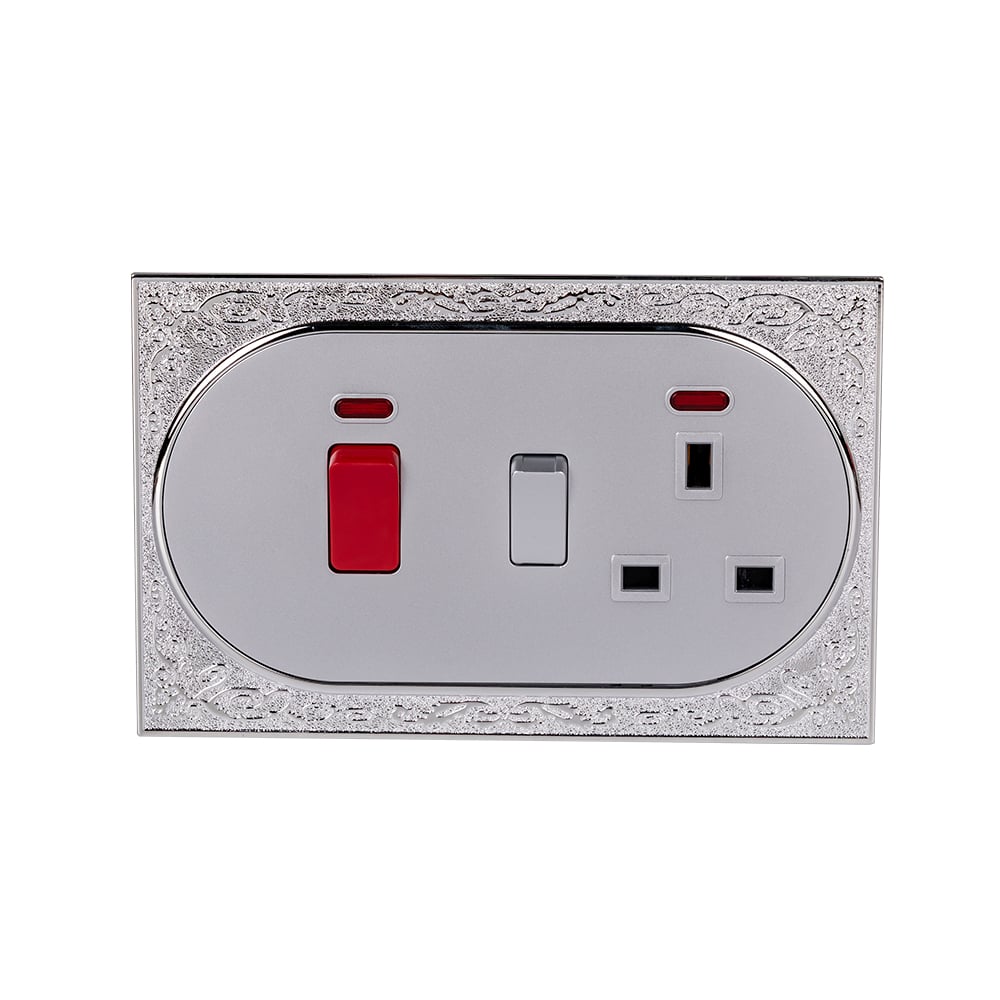
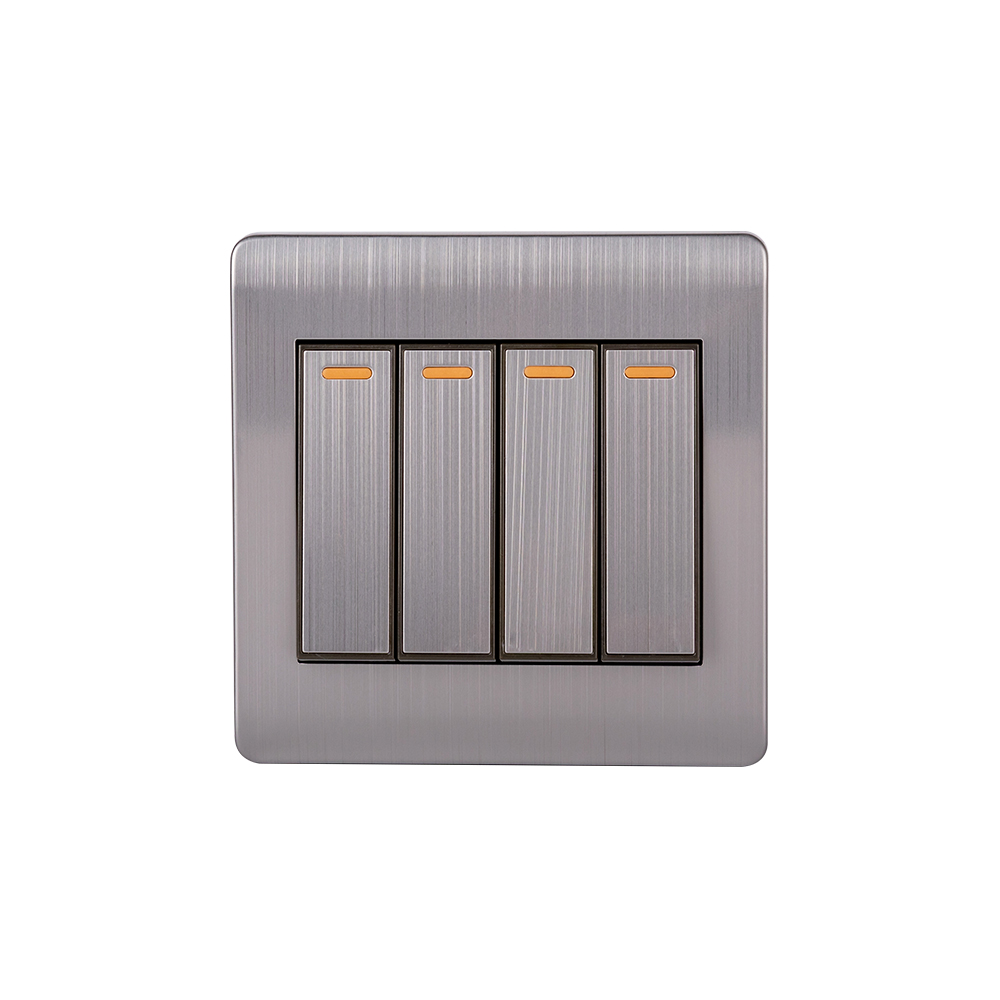
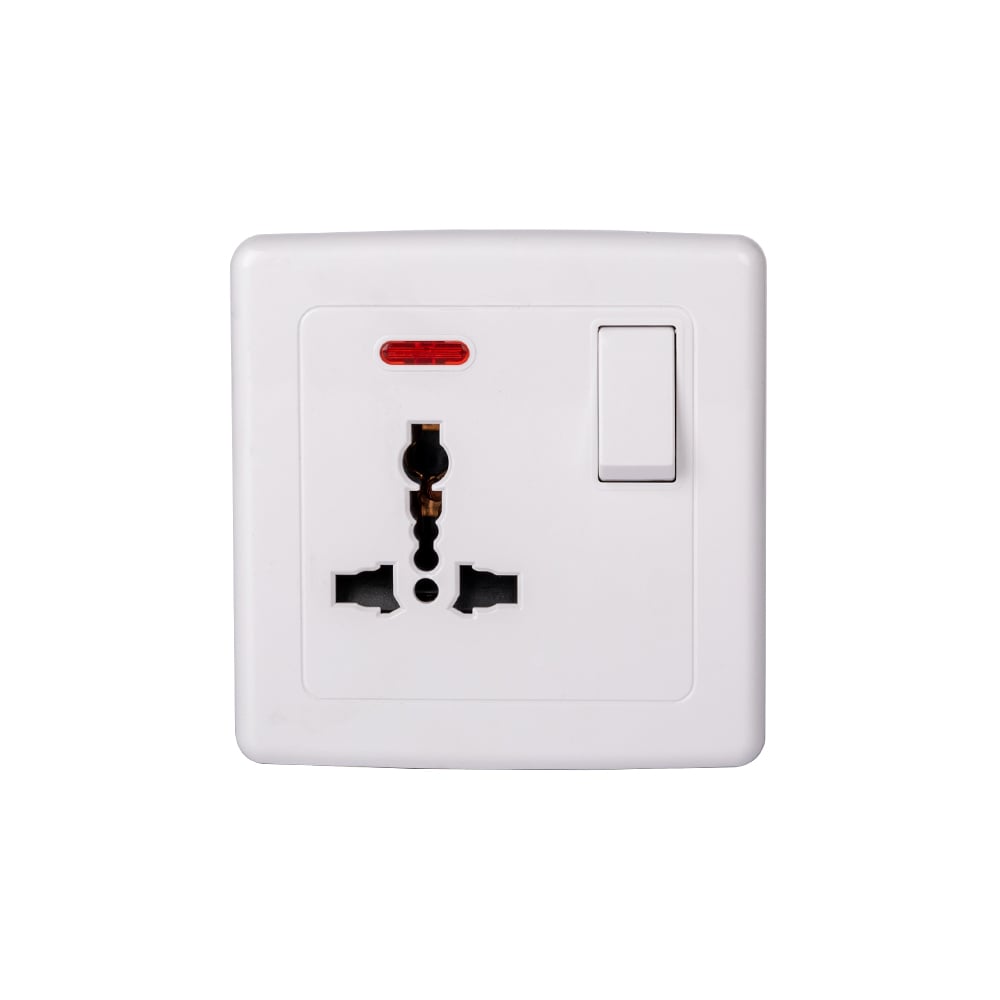
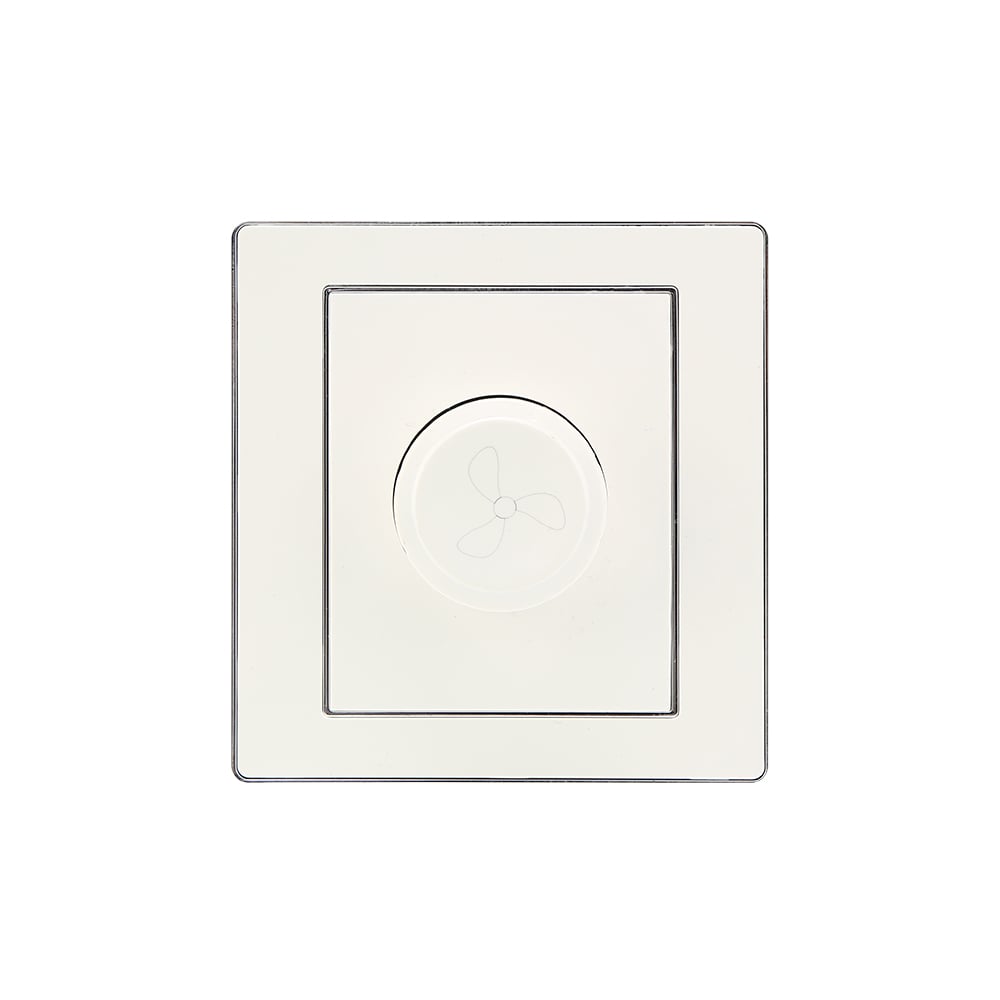
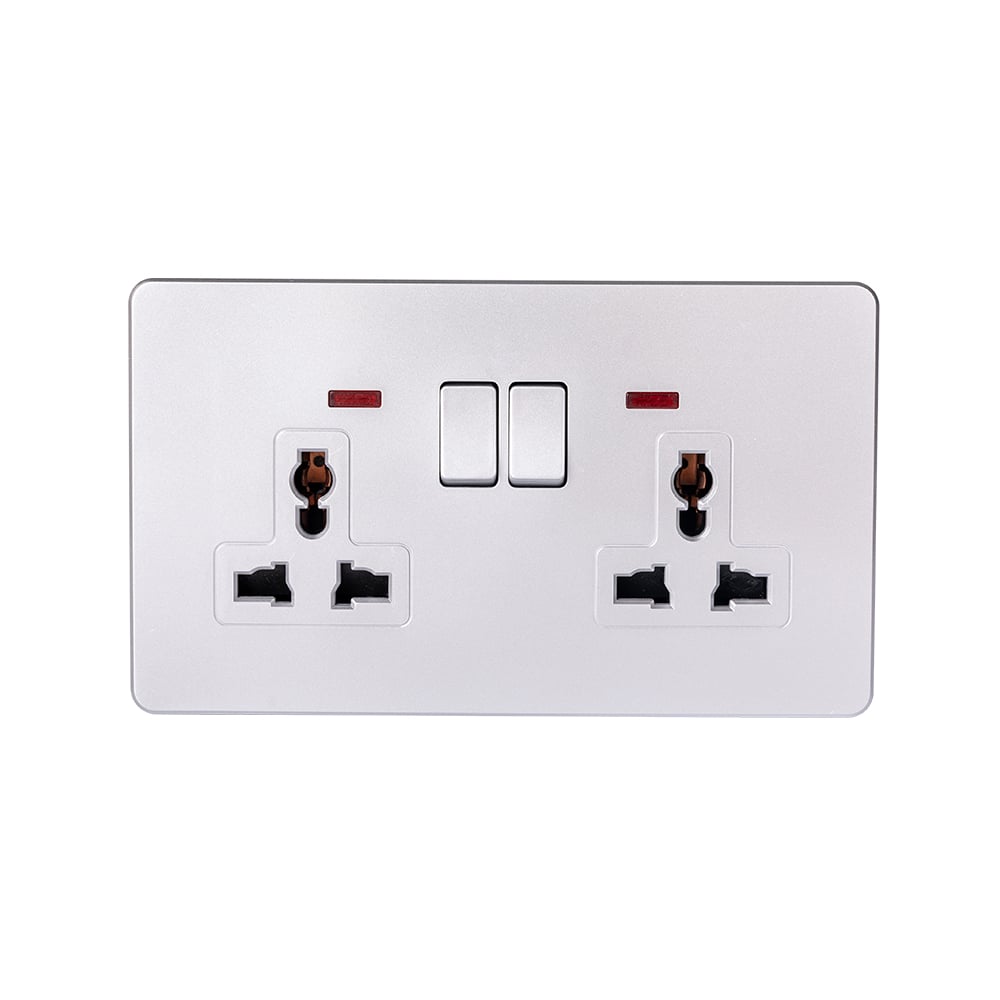
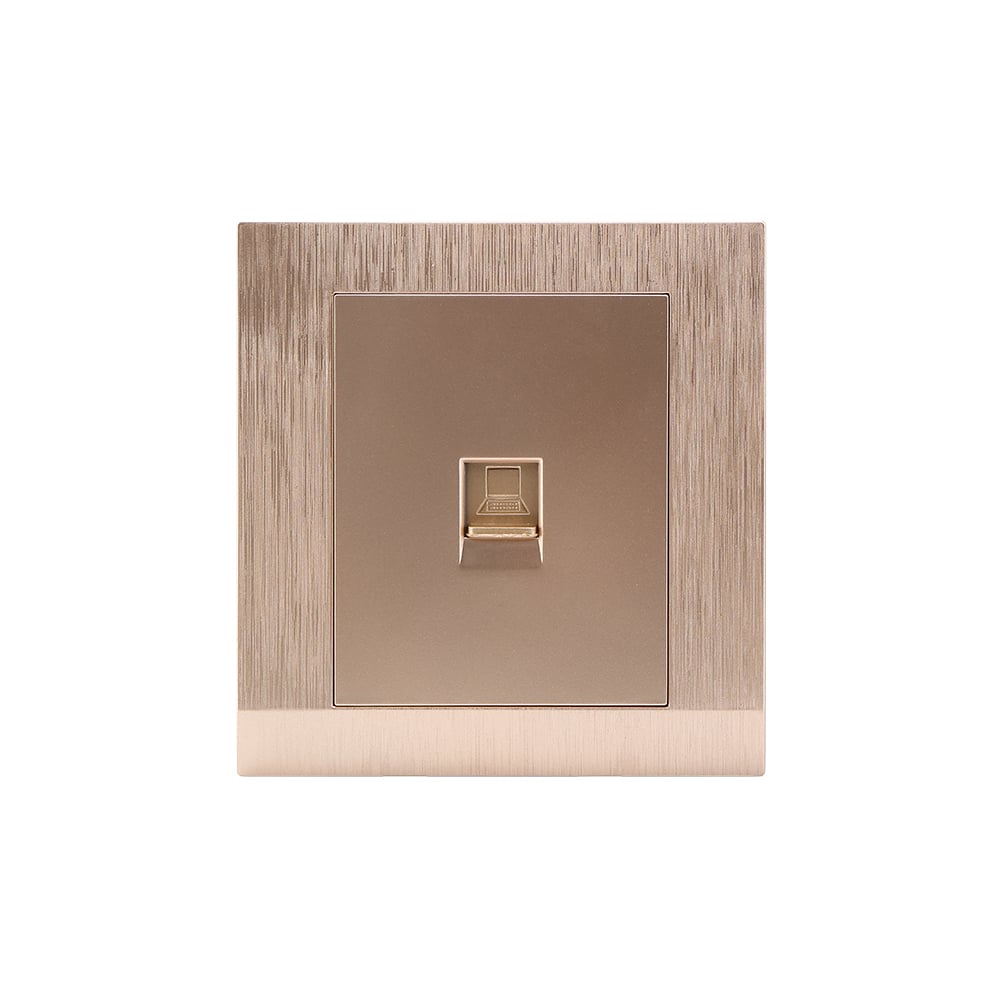
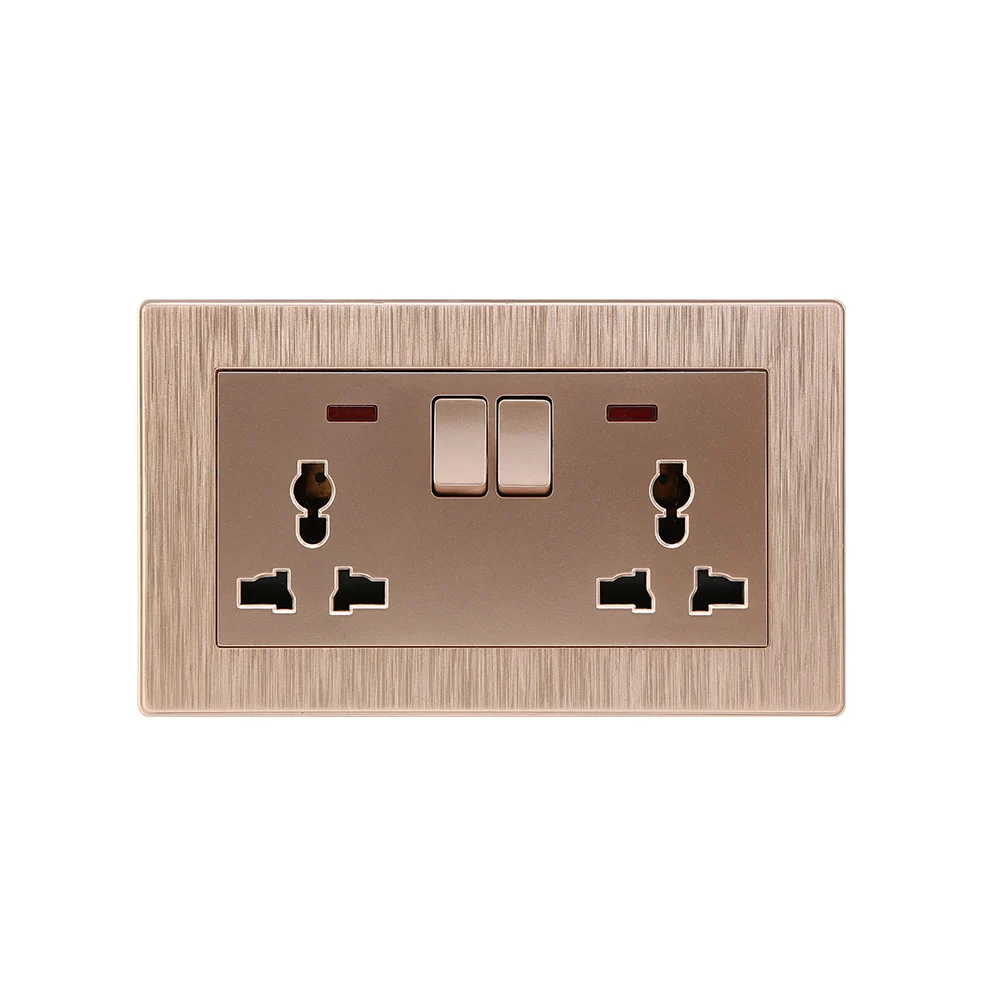
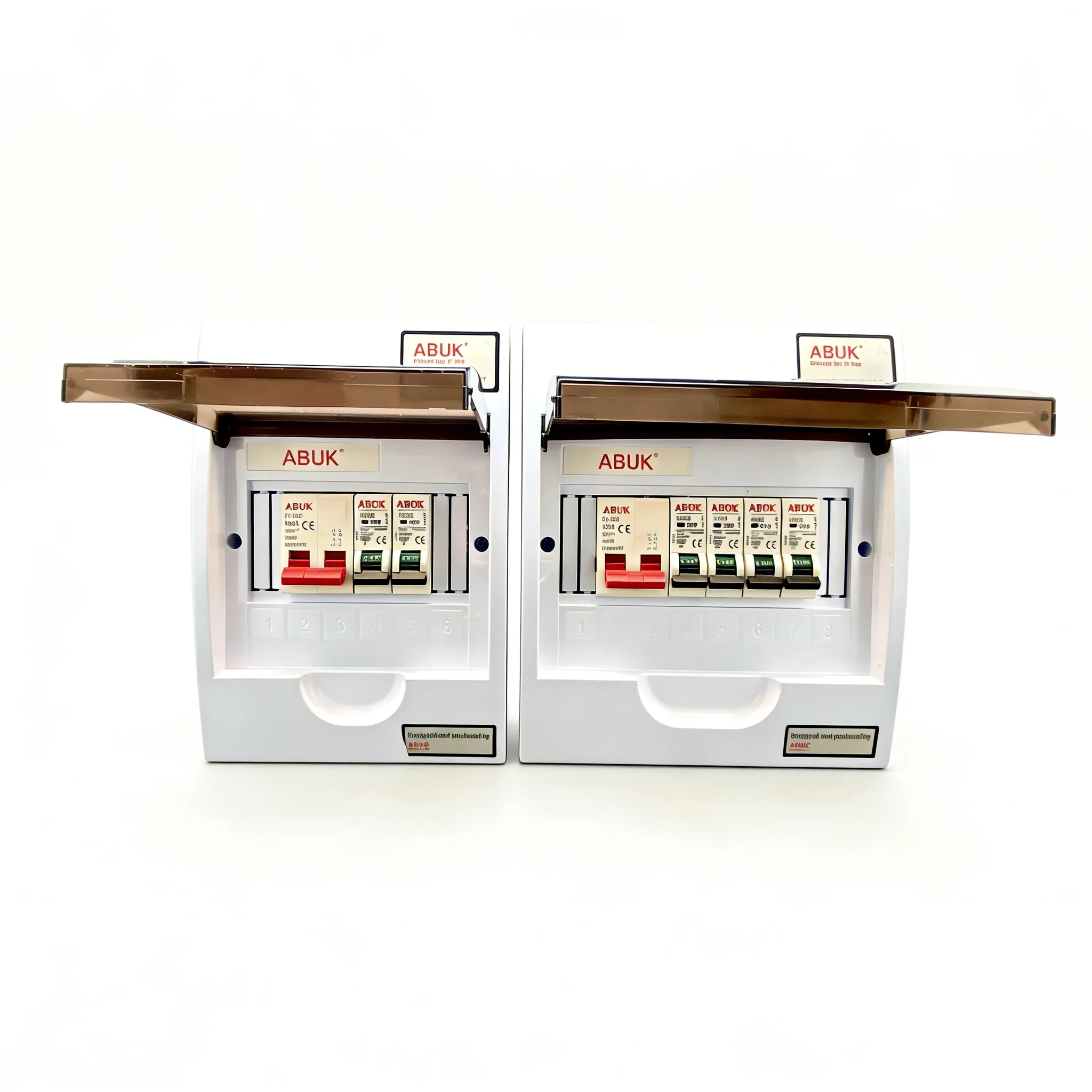
For buyers sourcing coordinated wall hardware, ABUK provides relevant mechanical wall switch and socket products; CE, RoHS and GCC documentation may be available for applicable models and destination markets. This makes the product review for smart switches and outlets more traceable from model to project file. Review the documentation against the exact model and project requirement rather than treating it as a system-wide claim.
Frequently asked questions
Do smart switches require a neutral wire?
Many do, because the electronics need a continuous power path. No-neutral models are available, but the installer must check their minimum load, lamp compatibility and the circuit conditions before selection.
Can smart outlets work with Alexa and Google Home?
They can when the specific device, account region and chosen ecosystem support the relevant integration. Confirm the current manufacturer compatibility statement and test the intended voice command during commissioning.
Are smart switches compatible with LED bulbs?
Not universally. Check the switch’s stated LED load range and, for dimming products, the lamp-driver compatibility list; low loads can cause flicker, glow or unreliable switching.
What happens to a smart outlet when Wi-Fi fails?
Remote control and cloud-dependent automations may stop until connectivity returns, while local manual operation may remain available depending on the product design. Specify a manual fallback for critical loads and verify recovery behaviour in the site acceptance test.
Primary references
- Connectivity Standards Alliance — Matter
- IEEE 802.11 Working Group
- NFPA 70: National Electrical Code
- IEC 60669-2-1
Reliable smart control starts with a complete circuit and compatibility decision, then earns its convenience every day.
For a project-ready review of smart switches and outlets and the wider product range, share the application, destination market and load schedule with ABUK’s team.